Zappter
English Contact support Log In

General

Videos

Mastering the content editor Pixel perfect design Setup your E-Commerce Store Configure your booking engine Event-System / Drop-In

Popular

App Store Submission Creating Push Notifications Typography Changing template Changing Rules

Business Modules

New

More Tutorials

Documentation

Enabling Non-API Translation

Non API translation by Zappter

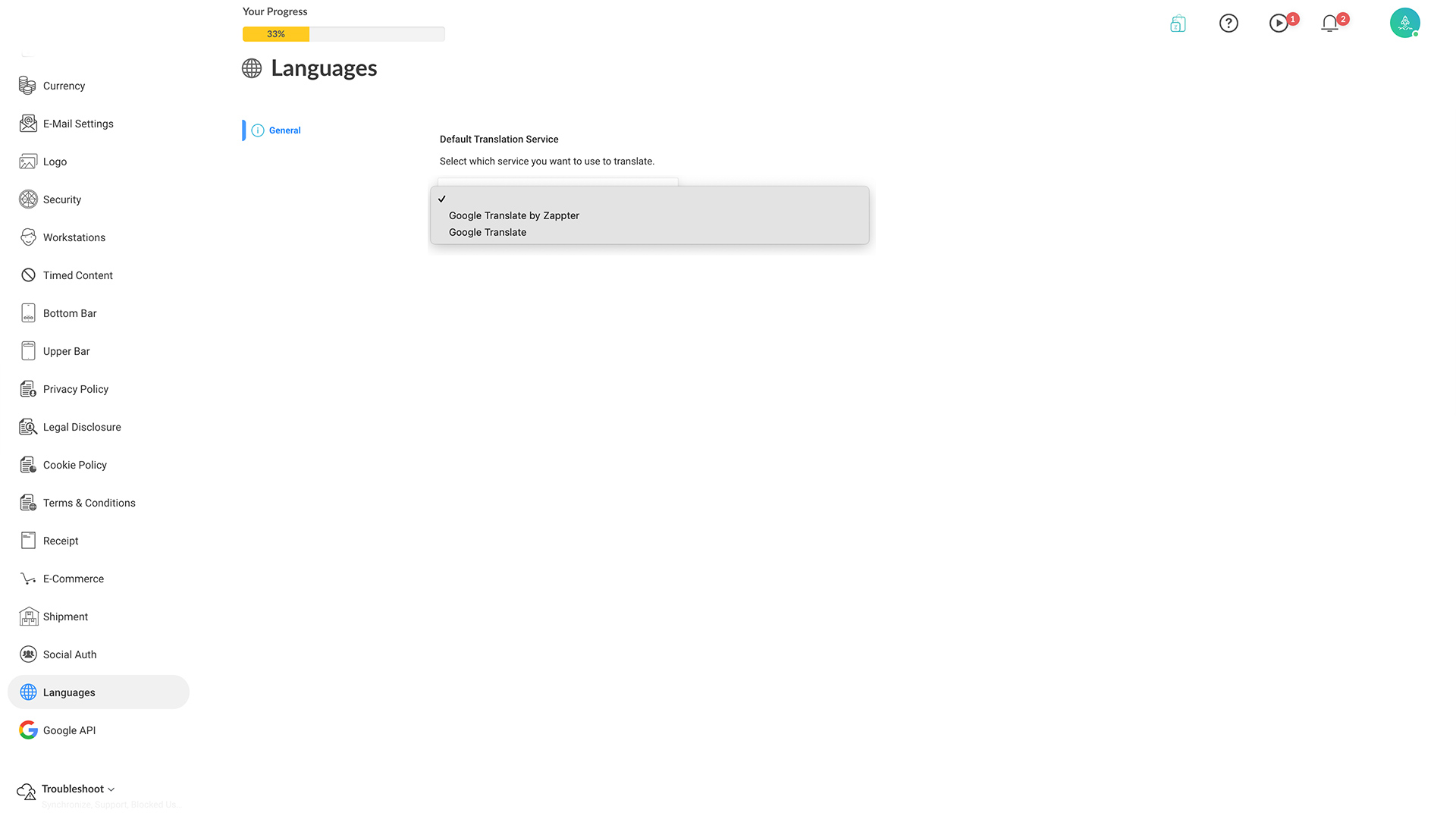
When you install Google Translation by Zappter plugin, all you need to do is to select the service to enable it. You don't need to obtain an API key or configure it.
1. Admin > Settings > Languages.
image.png 174.96 KB
2. Select 'Google Translate by Zappter' option under Default Translation Service.

3. Save the changes.